
Services
Course modules for live production
Three focused areas of training that together cover the full journey from operating a vision mixer to managing a complete live show.
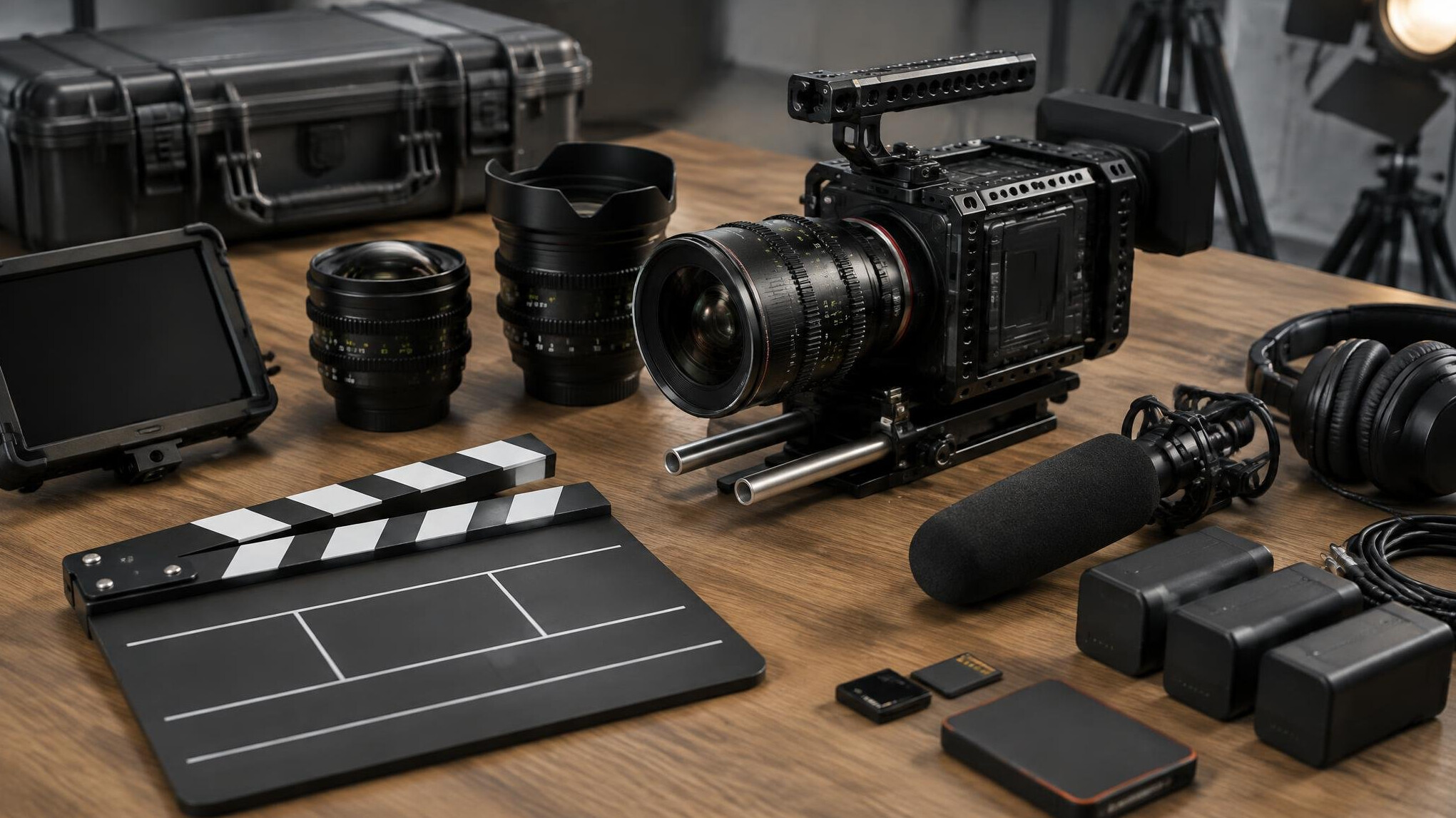
Multi-camera switching
Learn to read a multi-camera show, anticipate the director and cut cleanly between sources on a professional vision mixer.
- Shot grammar, framing and cutting rhythm
- Transitions, keys and picture-in-picture
- Working with a director over talkback
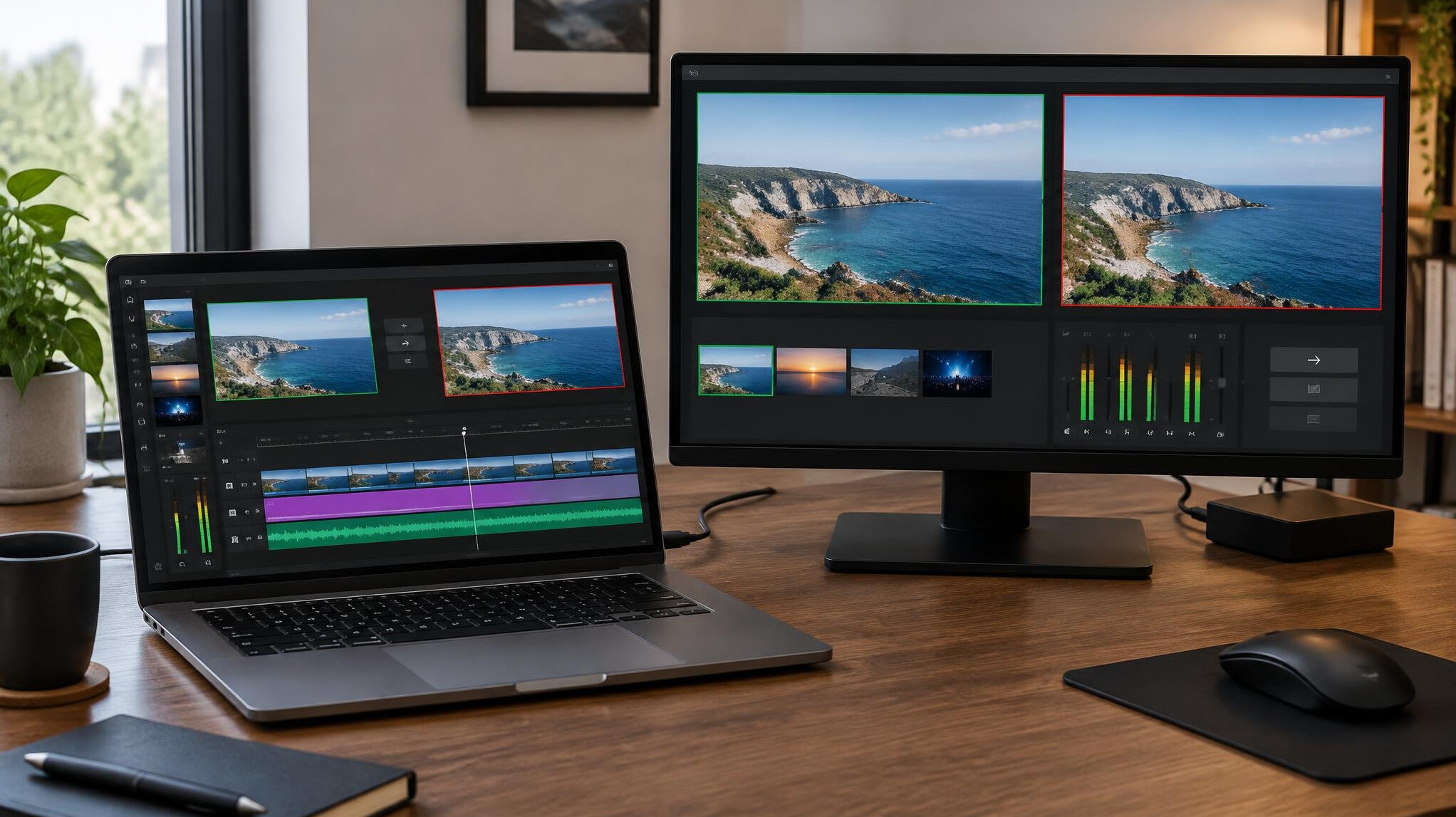
Real-time video operation
Operate graphics, playback and signal routing alongside the switcher, keeping every source in sync during a live transmission.
- Signal flow, routing and monitoring
- Lower thirds, replays and playback
- Fault-finding without leaving the air
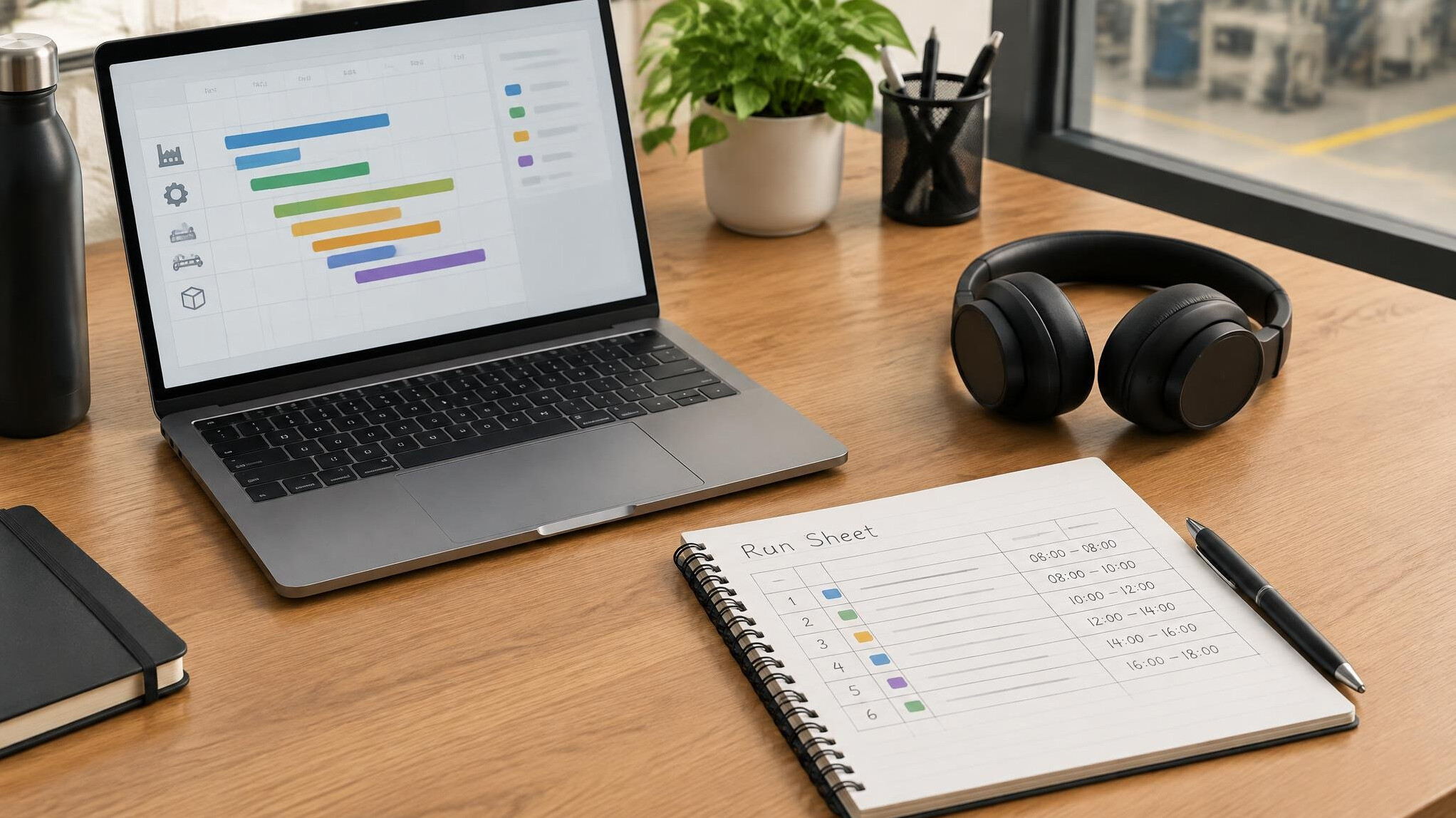
Managing television and streaming productions
Plan, rehearse and run a complete live show, from the run sheet and crew calls to the final debrief.
- Run sheets, cue sheets and timing
- Crew communication and calling a show
- Planning for broadcast and streaming outputs
Course plans
Flexible training for every crew
Choose the course length that fits your experience. Every plan leads to a conversation with our team, so we can confirm dates and answer questions first.
Control Room Essentials
A focused 2-day introduction
£490
per learner
- Vision mixer fundamentals
- Camera shot grammar and framing
- Talkback and cue basics
- Supervised practice on a 4-camera setup
Production Pro Programme
Our full 5-day course
-25% this intake£1,190
£890
per learner
- Everything in Essentials
- Graphics, replay and audio integration
- Directing and calling a live show
- Two timed full-length live run-throughs
- Certificate of completion
Studio Residency
For teams and broadcasters
Custom
tailored quote
- Training built around your own gallery
- On-site or in-studio delivery in the UK
- Flexible dates for whole crews
- Follow-up coaching sessions
Questions
Frequently asked questions
1Do I need any previous broadcast experience?
No. Control Room Essentials starts from the basics. Production Pro is best suited to learners who have completed Essentials or have some camera or editing background.
2What equipment will I work with?
You will work on a multi-camera setup with a hardware vision mixer, talkback, graphics and audio feeds, so you practise on the kind of kit used in real galleries.
3How big are the groups?
We keep cohorts to a maximum of eight learners so everyone spends meaningful time on each position in the control room.
4Do I receive a certificate?
Learners who complete the Production Pro Programme receive a certificate of completion from spotflashnu. It confirms the skills covered rather than any external accreditation.
5Where do courses take place and how do I book?
Courses run at partner studios across the UK. Use the contact page to enquire about dates and locations, and our team will confirm everything with you directly.